
 QuickQuill
Productivity
QuickQuill
Private, on-device meeting notes for Mac, no bot, no cloud, no subscription
What it is
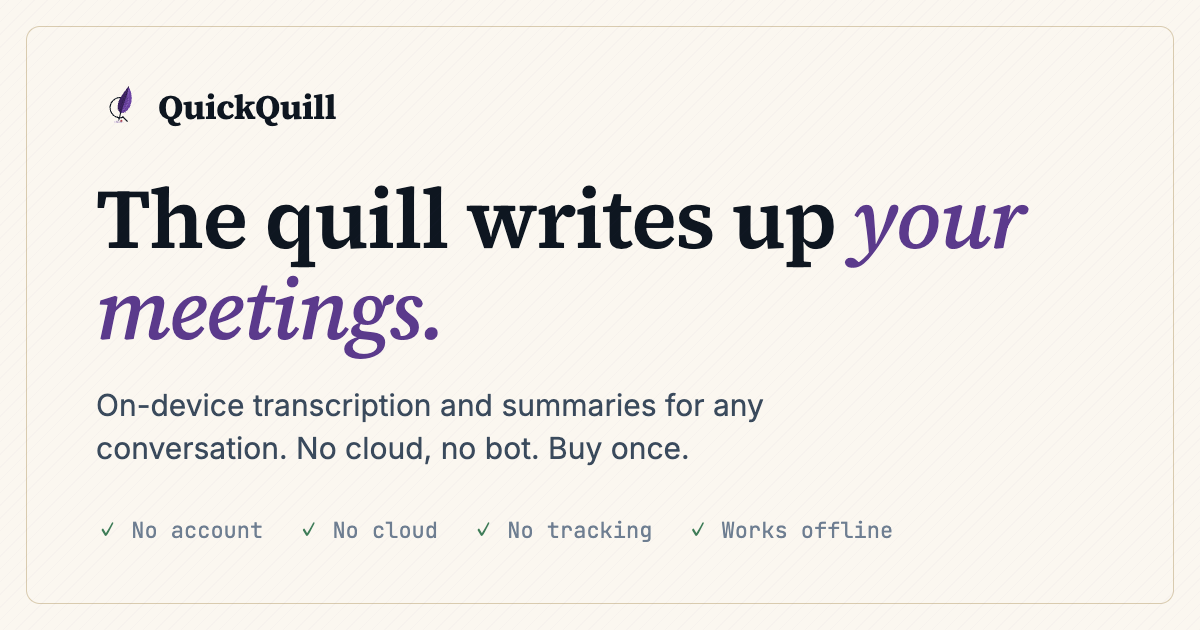
QuickQuill is a Mac app that records, transcribes, and summarizes meetings entirely on-device, built by a solo developer as a privacy-first alternative to cloud meeting bots. Nothing leaves your machine, it keeps working in airplane mode, and a single $49 purchase unlocks the full meeting workflow for good instead of billing monthly.
- Price
- $49
- free tier available
- Free tier
- Yes
- no card required
- Platforms
- 1
- macOS
What you get free vs paid
Verdict
Pros
- Genuinely local processing that keeps working with Wi-Fi off, verified by the developer's own airplane-mode demo
- One-time $49 purchase instead of a recurring subscription, and push-to-talk dictation is free forever
- No account, no sign-in, no cloud bot joining your call, which matters for sensitive conversations
- Live subtitles with translation while you record
Cons
- macOS only, and requires macOS 26 on Apple Silicon, so it's unavailable to Windows users, Intel Macs, or older machines
- No bot means it can't passively join Zoom or Meet calls the way cloud notetakers do, you have to actively hit record
- Built and maintained by a solo developer, so support and update pace depend on one person
If you're on a recent Mac and want meeting notes that never touch a server, the one-time $49 price is hard to argue with, just know it won't auto-join your video calls for you.
Capabilities
Core features
- Fully on-device recording, transcription, and summarization
- Live subtitles with real-time translation
- Push-to-talk dictation in any app
- Works completely offline, including airplane mode
- No account or sign-in required
- Local storage with user-controlled retention
AI stacks & blueprints
Best AI Tools for Students
View blueprint ▸Free tools, discount blueprints, and study tools curated to support college work and research on a budget.
Community tips
No user tips yet
Know a trial reset, cookie session, or student discount for QuickQuill? Share it and help the community save.
Reviews
No reviews yet. Be the first to share your experience!
▸ Field report
Leave a review
Common questions
Is QuickQuill free?
QuickQuill offers a free tier you can use without paying. Browse QuestLoops for verified ways to get more out of it for free.
How much does QuickQuill cost?
QuickQuill's paid plans start at about $49. There's also a free tier for lighter use. Pricing changes over time — QuestLoops focuses on legitimate ways to reduce or avoid that cost.
What are the best alternatives to QuickQuill?
You can compare QuickQuill side-by-side with similar Productivity on QuestLoops to weigh free-tier limits, pricing, and tradeoffs before deciding.
Community workarounds
Risk & ToSSome methods may violate a vendor's Terms of Service and can stop working at any time. Use at your own risk — content is provided for educational purposes only.
No methods shared yet
Be the first to share a working free method or hack for QuickQuill!